A permanent record
of your work.
Archive management software for working artists and galleries. Less a system to learn than an assistant to instruct: tell it what you want, and it shapes itself around how you already work, so keeping your records current stops being the thing you put off.
Sign in to your archive
We'll email you a sign-in link, no password required.
New to General Archival? The link creates your account.
One place for everything
Works, exhibitions, and contacts all in one place, cross-referenced and always current. No more scattered spreadsheets or folders that drift out of date.
Just ask
Ask the archive a question and get an answer. Make edits in plain language. No menus to learn; describe what you want and it's done.
Print-ready images
Store full-resolution photographs once. Download them at the exact size you need, for print, applications, or email, without hunting through folders.
Share on your terms
Publish a link to a single piece or a whole body of work. You decide exactly what each viewer sees, and what stays private.
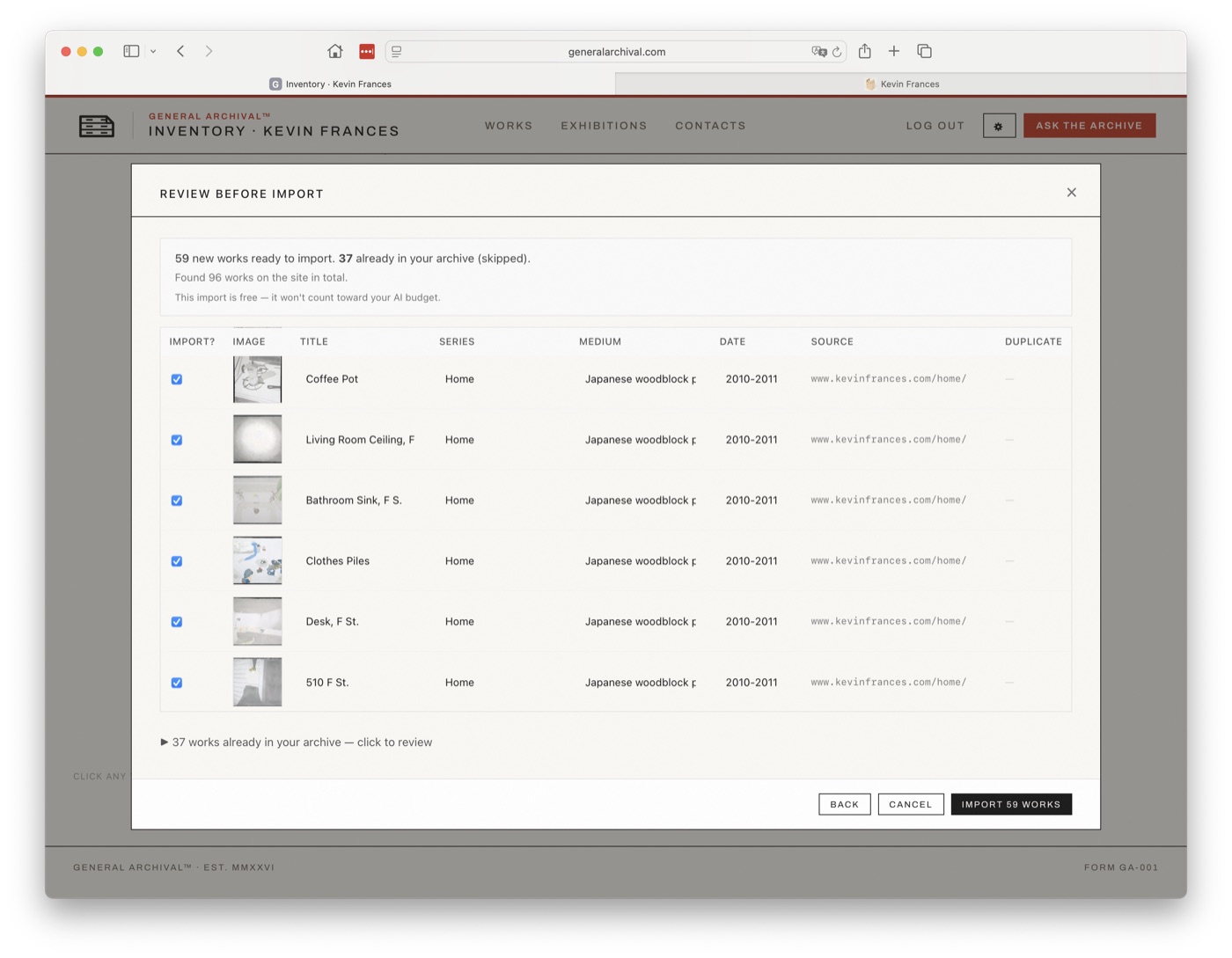
Import automatically
Point it at your portfolio or an exhibition page. It reads the site and brings your work in, with no manual entry, and flags anything already in your archive.
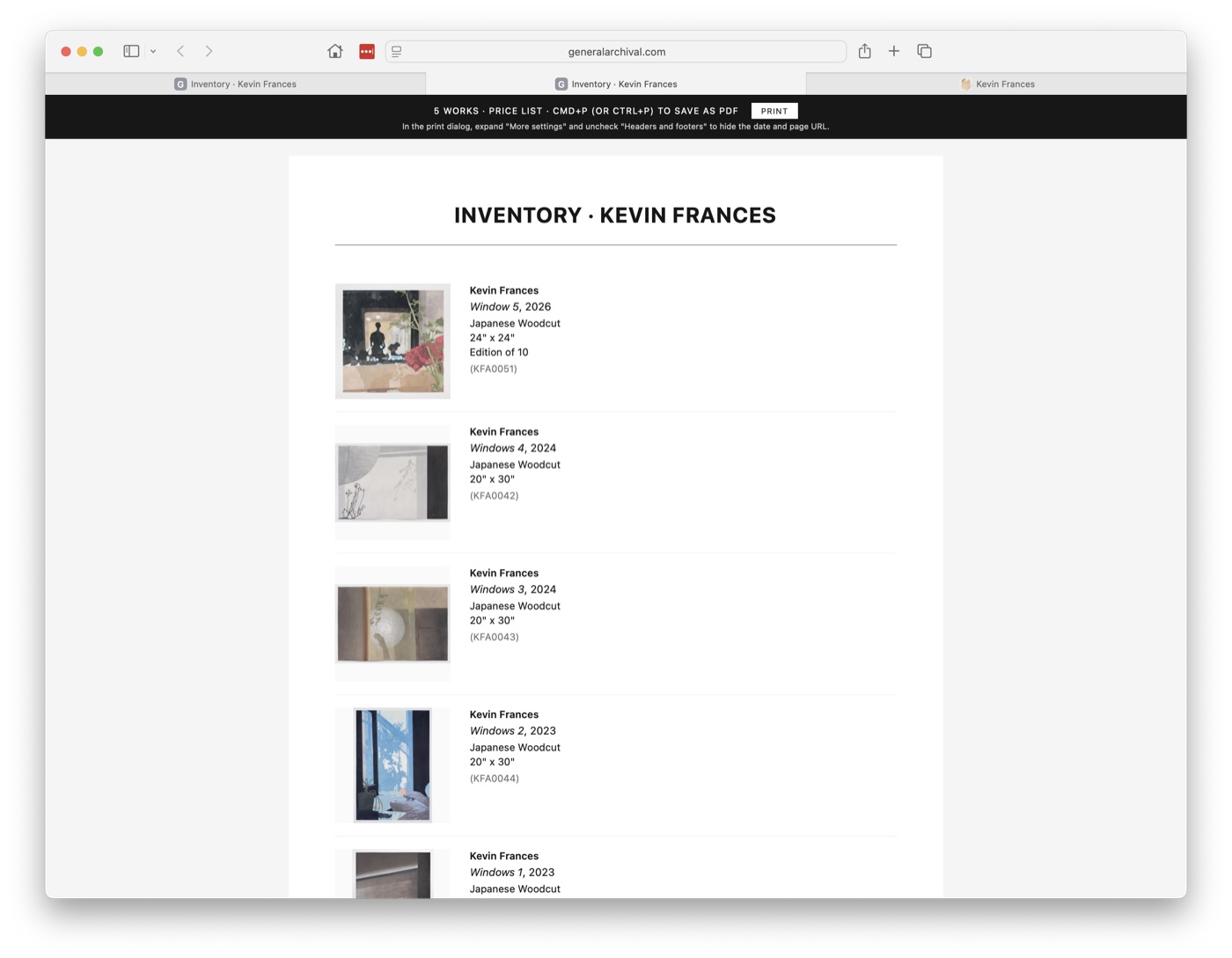
Documents, generated
Labels, price lists, invoices, and certificates, produced from your catalog, formatted correctly, ready to send or print.
Plans
One archive, two sizes. Every plan includes the full application; what changes is image storage and how much the AI assistant can do each month.
- Full archive: works, exhibitions, contacts & sales
- Full-resolution archival masters
- 5 GB image storage
- AI archive assistant — roughly 30 tasks a month
- Public share pages
- Everything in Base
- 250 GB image storage
- AI archive assistant — roughly 75 tasks a month
- Team access — 2 users included, then $15/mo per additional user
Every new account starts with a 30-day free trial. Cancel anytime before it ends and you won't be charged.